



When it comes to excellent customer support, live chat software is a tool that is more helpful than you think.
With rapid responses to customer queries and AI-based chatbots, they play a key role in enhancing the overall customer experience.
But given that there are so many options available online, the big question that remains unanswered is: “Which live chat tool is the best for me?”
Don’t worry, because I have done the research for you. Keep on reading this blog, as I have highlighted the top live chat software to help your business.
Cool. So, let’s dig in!
But, Why Do You Need a Live Chat Tool?
Research suggests that live chat provides the highest conversion rates compared to other online marketing tactics (i.e., including email, search engine optimization, social media marketing, and pay-per-click advertising).
Here’s an eye-opening stat for you: 60% of millennials prefer rapid online responses rather than traditional methods of support, such as phone calls.
And this is where a live chat tool becomes so useful.
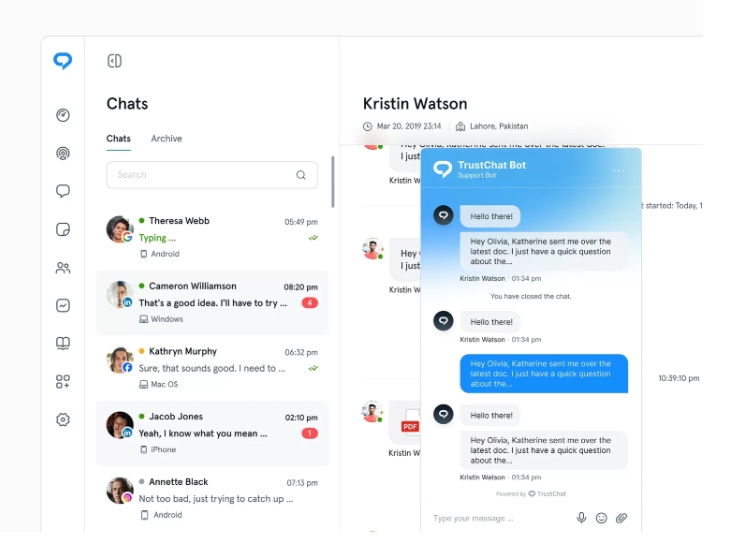
Example of a live chat widget
Want to know why? The following are some of the reasons why live chat software is so popular:
- Modern live chat tools provide valuable insights regarding the customer experience.
- Real-time interactions mean more effective and instant customer support.
- You can customize chat widgets as per your business needs.
- More happy customers for your business leads to a higher customer satisfaction score (CSAT).
- Such tools ensure personalized conversations to make the users feel valued.
Best Live Chat Software For Your Business
Enough of the theory; I know you are here for the list of top live chat software…and that’s exactly what this section contains.
So, let’s find out some of the best live chat tools that can help your support team:
1. TrustChat
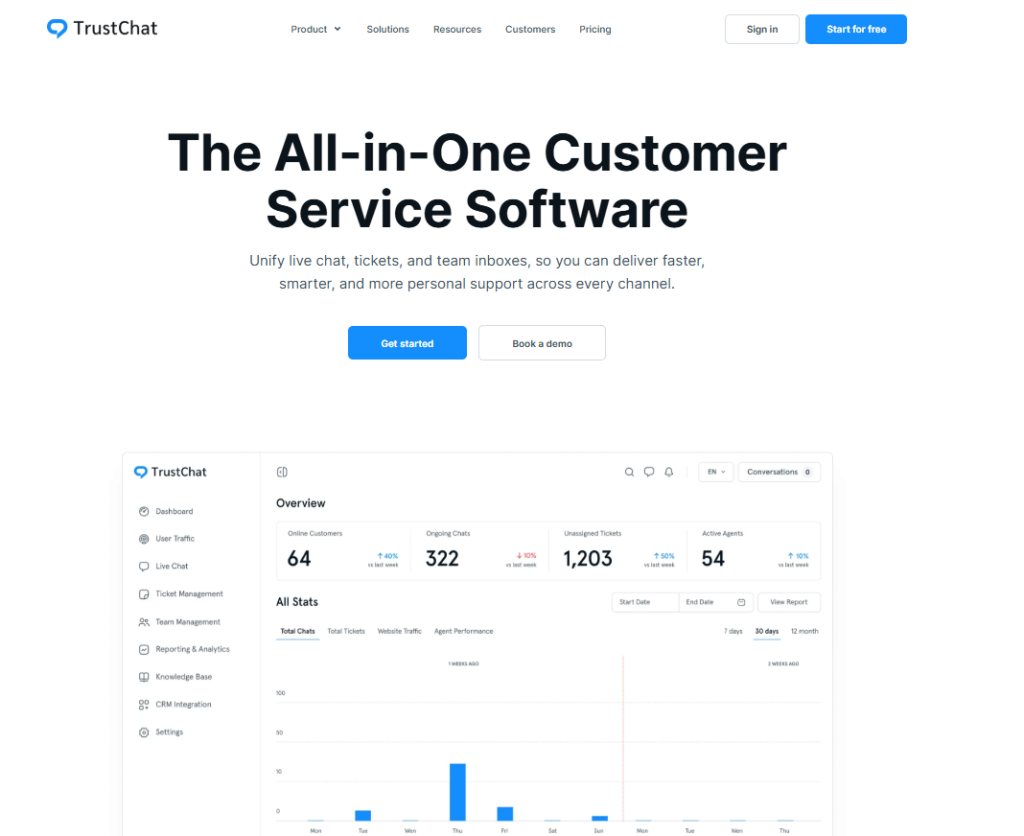
Ranked #1 on this list is TrustChat, a relatively new customer support tool that has gained massive popularity.
It’s not just a simple live chat tool; it offers everything you can expect from an excellent customer support software.
But where TrustChat really stands out is its multi-channel support; your customer support team can manage conversations from multiple platforms through one easy-to-use interface.
Plus, it’s 100% free for now, which means unlike all the other tools on this list, you can avail all the premium-tier features without paying a dollar!
So, in simple words, whether you are looking for advanced ticket routing and assignment or mobile access for your support team, TrustChat contains all the key features!
2. LiveChat
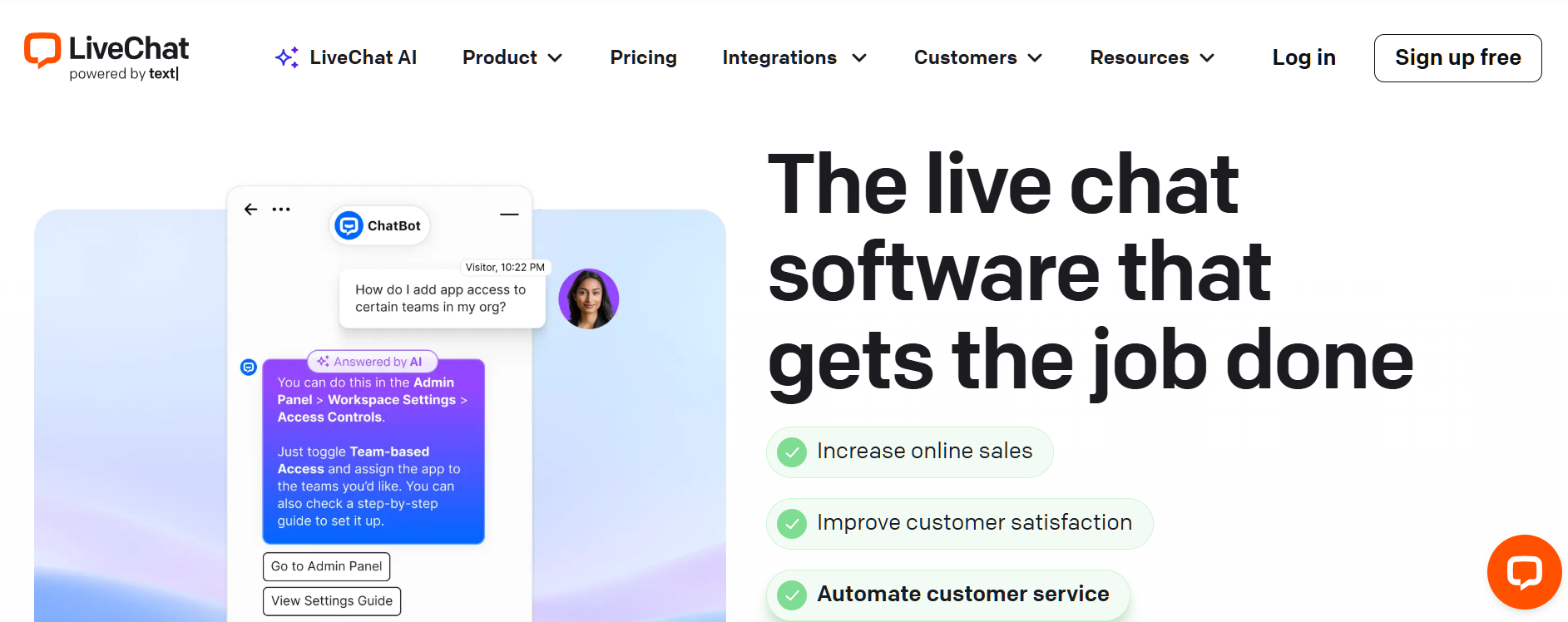
For small businesses, customer service is paramount. Offering superior, 24/7 customer support can mean more sales and a better reputation for your brand.
It’s impossible to be there all of the time, though, so using live chat software is a great way to provide support when you can’t be there in person.
There are a lot of options out there, but one of our favorites is LiveChat. It’s versatile and easy to set up, making it a great choice for both large and small businesses.
The software integrates with multiple third-party services like Zendesk, Facebook Messenger, Twitter, and Google Calendar, so you can easily manage all communication channels from a single screen.
For example, your support staff can receive emails through Zendesk while chatting with customers on Facebook Messenger – all at once!
Setting up and using LiveChat is a breeze. To get started, simply log in to your LiveChat dashboard and create a campaign. You can choose from multiple pre-configured templates or create your own custom template – it’s all very easy to do.
Once you have a template, you’ll need to enter some basic information about your company, including your logo, hours of operation, and links to sites where customers can find more information about you.
Once you have your campaign set up, it’s time to add a live chat box to your website. This can be done by entering some code on your site and adding a link to your contacts page.
The best part is that you can choose exactly where on your site you want your chat box – so it doesn’t even have to take away from customer sales pages!
You’ll also want to ensure that someone is available for support when it’s most convenient for customers, which is easy with scheduling tools.
3. Intercom
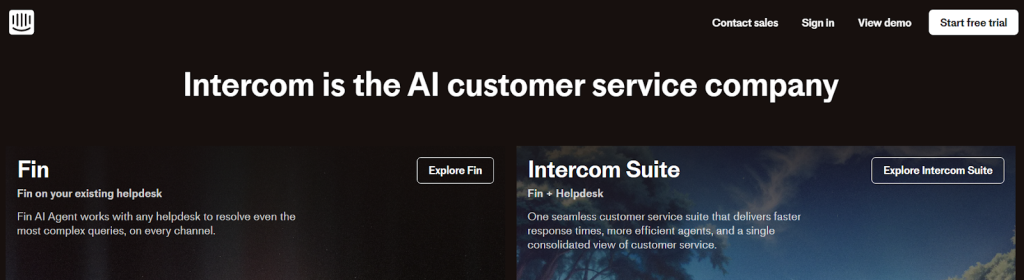
Intercom is a live chat software that allows you to connect with customers on your website, answer questions, solve problems, and build a community all in one place.
Using Intercom is a great way to create sales opportunities while also gaining valuable insights into your audience.
The service allows you to segment and personalize communication based on user preferences or past interactions with the platform.
With Intercom, you can also see when and where your users are dropping off during key parts of their purchase journey.
The service offers support for live chat, email, and text messaging, and you can integrate it with over 20 different apps.
There is also a mobile app for both iOS and Android that allows you to start conversations with your customers even when they’re on the go.
Integrations include Zapier, Salesforce, Marketo, HubSpot CRM, Google Analytics, and more.
4. Olark
Olark is not your average live chat platform. It monitors visitors using talking cookies that are served to every website visitor.
As a result, every chat client sees exactly what visitors see as they browse your site or app.
This means you can learn about and respond to issues as soon as they arise—whether it’s a broken link, missing content, or out-of-stock items—or even before a visitor has had time to complete a transaction.
If a customer isn’t willing to engage with ordinary live chat software because they don’t want to provide their personal information (such as email address), then they certainly won’t talk with you if they don’t know who you are!
So how do we get around that? You could go through tedious steps by setting up pop-ups asking for information, but why waste all of that time when there is an easier way?
5. Zendesk
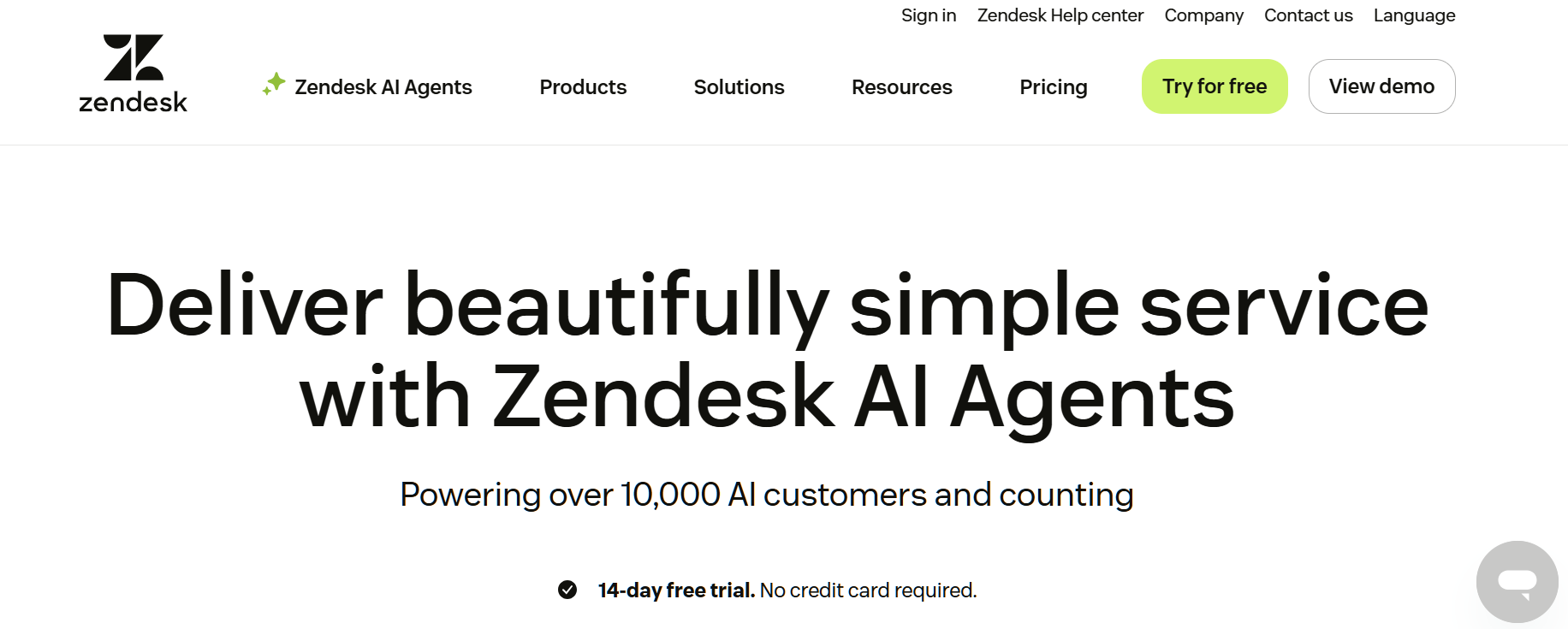
Zendesk is a comprehensive, all-in-one customer service platform that features live chat, email, and phone support.
By connecting Zendesk to your existing website or app, you can instantly start taking inbound chat requests for both new and existing customers.
You can also track user data across multiple devices so you know exactly who your customers are and what they want from you.
Live chat is a powerful way to build customer relationships. But how can you know what live chat software is right for your business? To make an informed decision, you need to know how each program compares with its competitors.
That’s why we did extensive research and product testing to come up with our list of reviews for ten of the best products in today’s market.
6. Freshchat
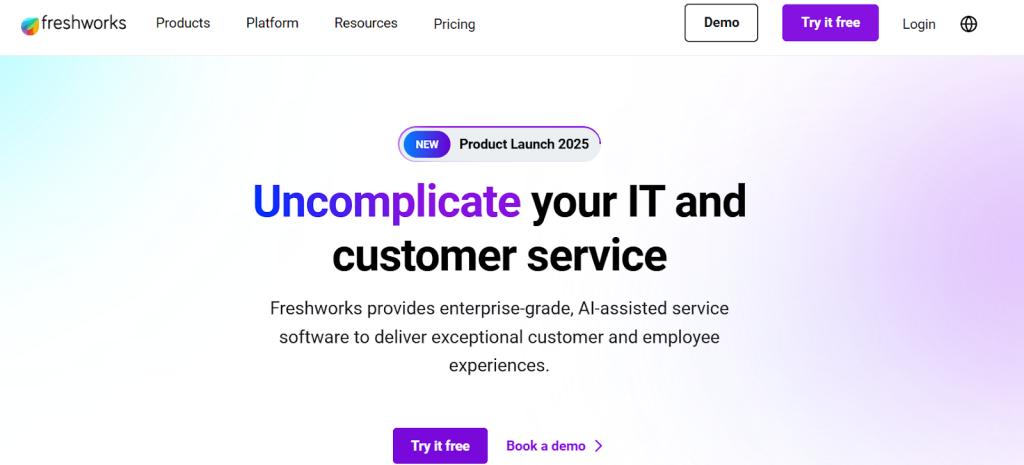
Freshchat is an affordable live chat app designed to keep your online visitors engaged with your website or mobile app.
Its simple dashboard makes it easy to manage support requests, while its powerful analytics feature enables you to analyze visitor behavior and user demographics to improve conversion rates.
It also comes loaded with other great features such as in-chat surveys, text message integration, and more.
If you’re looking for a live chat app that can help your company grow, Freshchat could be a good fit. It provides comprehensive chat features, easy-to-use analytics, and many other helpful tools to create a better customer experience online.
Its low price point means you won’t have to break your budget, either. That makes it an excellent option for any business, either big or small!
7. SnapEngage
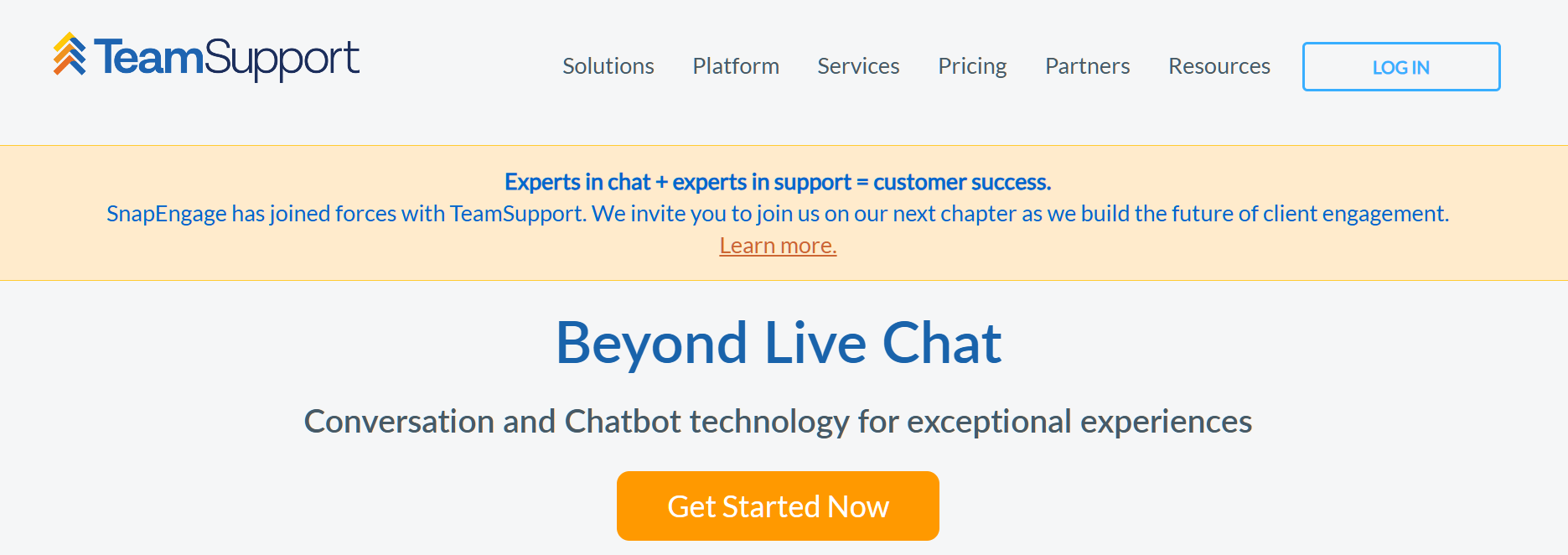
SnapEngage is a popular live chat app that offers a host of customizable features to help you engage with and convert your website visitors.
With its robust analytics, in-chat surveys, social media marketing tools, and more, you can truly optimize your site to increase sales or signups—whatever your business goals may be.
Like Zopim, Snapengage also offers affordable pricing plans at just $12 per month for up to 100 chats per month.
SnapEngage is a great option for any business looking to engage with website visitors in real-time.
It provides powerful chat features and affordable pricing plans that make it an excellent choice for companies of all sizes.
If you’re ready to start turning more website visitors into customers, don’t hesitate to give SnapEngage a try!
8. Zoho Desk
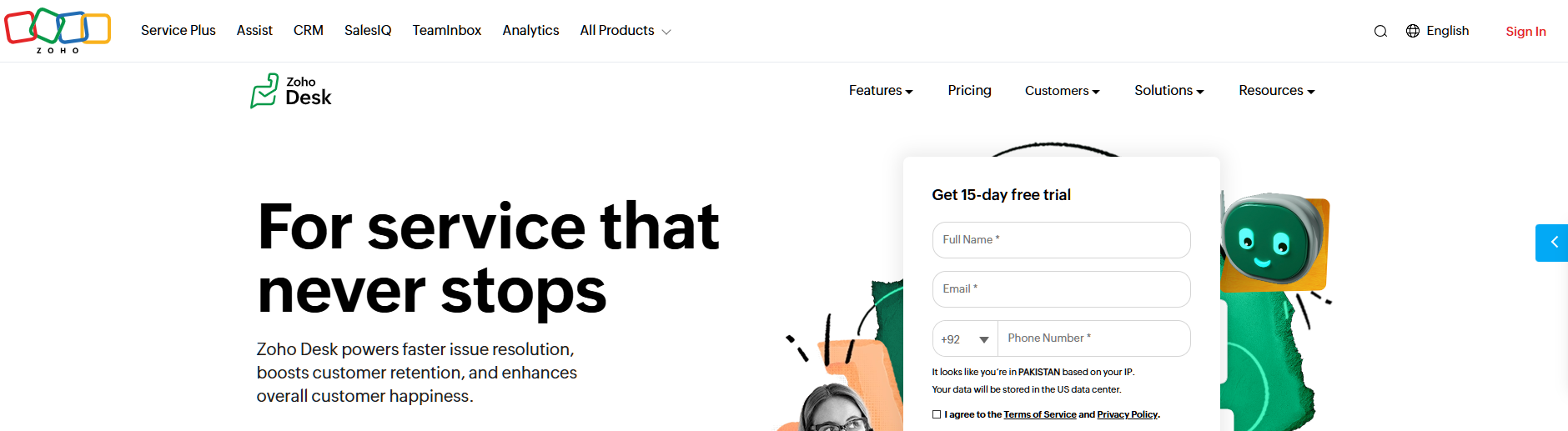
Zoho Desk allows you to convert more sales and reduce your customer service costs by providing live chat on your website.
Customers will find your website friendly and easy to navigate with ZohoDesk. The best part is that it’s free for up to 3 agents!
Simply put, Zoho Desk is a real-time, multi-channel live chat application that allows you to connect with your customers right away.
The live chat software integrates with ZohoDesk’s CRM feature, making it easy for you to record information about every customer interaction on your website and follow up accordingly.
With ZohoDesk, you can turn any section of your website into a live chat window. Your customers will love it!
9. Help Scout
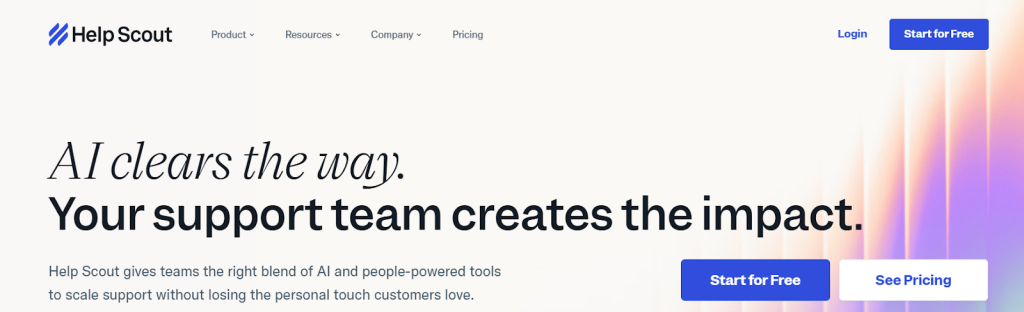
Help Scout is a well-known help desk platform that also serves as a reliable live chat solution.
Its Beacon chat widget allows customers to start real-time conversations, access help articles instantly, or submit a ticket…all via a single platform!
By combining the features of a help desk tool, email support, and live chat support, Help Scout ensures fast, conversational support without going through multiple tools.
10. Hiver
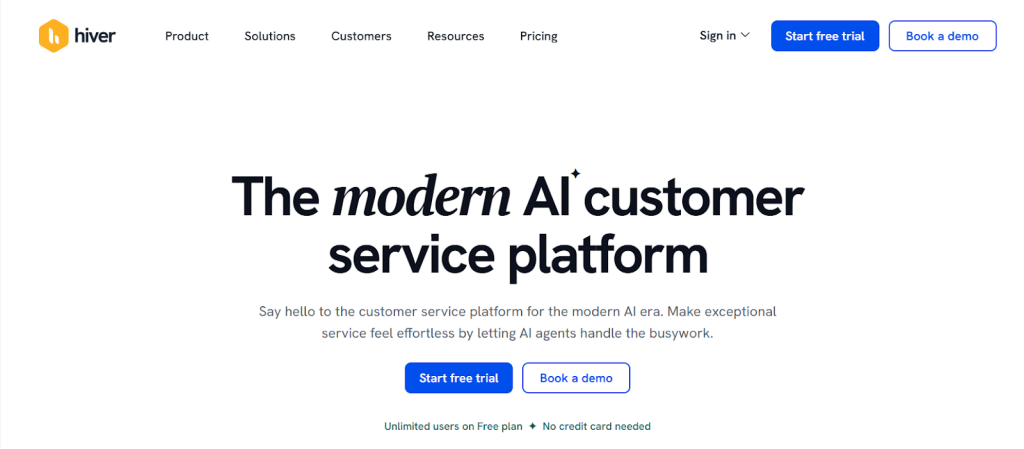
If you’re looking for a reliable and budget-friendly live chat tool, Hiver is another great option.
Want to ensure rapid responses for your customers? Just add the live chat widget to your website and start answering customer queries…it’s that simple!
But this software is not just about live chat. In fact, there’s more to the story.
It is a full-fledged customer support platform with features like omnichannel shared inbox, multi-channel support, and AI-powered chatbots. All this to ensure 24/7, exceptional customer experience and a higher customer satisfaction score (CSAT)
What Makes TrustChat the Best Live Chat Tool?
Good question.
To help you get a clear picture, I will analyze the features of the top 3 tools from my list and compare them.
Once you get through this table, you will know why I recommend TrustChat to every business owner:
| Live Chat Tool | Key Features | Price | Free Trial |
| TustChat | -> Multichannel support -> Support for mobile users -> Workflow automation -> Customizable widgets -> Smart routing | Free | Yes |
| LiveChat | -> Multichannel support -> Easy integration with third-party tools -> Automated routing | From $19/month | Yes (for 14 days) |
| Intercom | -> AI chatbots -> Customizable chat widgets -> Key insights | From $29/user/month | Yes |
| Olark | -> Real-time conversations -> Visitor monitoring and tracking -> Supports CRM integrations | From $29/month | Yes (for 14 days) |
| Zendesk | -> Omnichannel support -> Advanced ticketing system -> Boosts agent productivity -> Supports customization & scalability | From $19/agent/month | Yes |
Here’s the summary of this table: If you can avail all the premium features for free with TrustChat, why spend money on paid tools?
Conclusion
To summarize, live chat software is a very useful tool for improving customer support. While many businesses simply use live chat as a way to assist customers, there are many ways it can help improve the customer support experience.
But with so many options, selecting the right one can become a headache. This is exactly the problem I addressed in this blog.
I hope that by now, you are well aware of the best live chat tools available online, and why TrustChat is the best option when it comes to ensuring customer support in real time.